Standard Business CyclesOrder to CashIntermediate
Sales Order Creation
1. Simple Business Explanation
A Sales OrderSales OrderThis is a placeholder definition for "Sales Order". A full implementation would lookup this term in the glossary.json database. is an internal document generated by the company after a customer submits a purchase order (PO). It confirms the exact details of the sale (materials, quantities, prices, delivery dates).
2. Where This Process Fits
This is the first operational step in the Order to Cash cycle. It triggers all subsequent fulfillment and financial activities.
3. Departments and Roles
- Owner: Sales Department
- Key Roles: Inside Sales Representative, Order Entry Specialist
4. BPMN / Flowchart
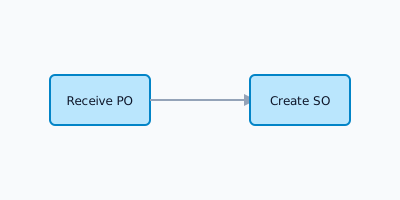
5. Step-by-Step Process
- Receive Customer Purchase Order.
- Verify customer details and credit limit.
- Check material availability (ATP - Available to Promise).
- Enter order details into the ERP system.
- Send Order Confirmation to the customer.
6. Business Rules & Controls
- Credit Check: Orders exceeding credit limits must be blocked and routed to Finance for review.
- Pricing: Must use standard condition records unless a discount is explicitly approved.
7. ERP / SAP Touchpoints
- Standard T-Code:
VA01(Create Sales Order) - Document Type:
OR(Standard Order)